Label template compatible with Avery J8163 for Word and Google Docs
A free template that fits Avery J8163: a A4 sheet of 14 labels, each 99.1 x 38.1 mm. Put an address in every box and it lands inside the edge of its label.
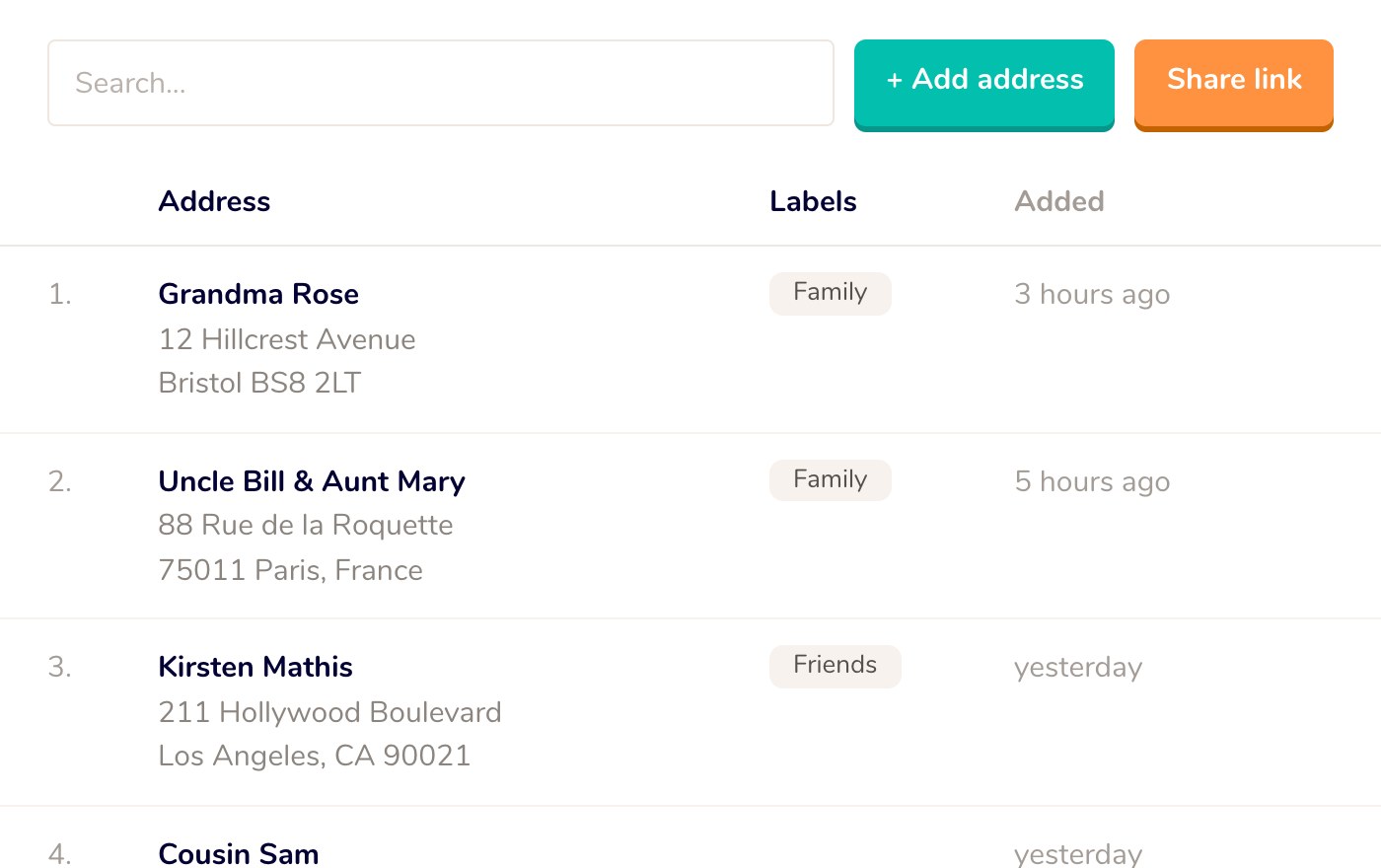
Rather not type them in one by one? Let Mailbook fill the sheet for you.

The measurements of the sheet
These are the values Word asks for when you set up a label yourself (Mailings, Labels, Options, New Label). They also let you check that your sheet has the same layout.
- Label width
- 99.1 mm
- Label height
- 38.1 mm
- Across x down
- 2 x 7
- Top margin
- 15.15 mm
- Side margin
- 4.65 mm
- Page size
- A4 (210 x 297 mm)
- Horizontal pitch
- 101.6 mm
- Vertical pitch
- 38.1 mm
- Made for
- Inkjet printer
Preview of the template
How to print them straight
-
Put your addresses in
Type or paste one address into each box of the template. Take out the sample text in the top boxes first.
-
Print on plain paper first
Set the scale in the print dialog to 100% or ‘Actual size’, not ‘Fit to page’. A print at 97% looks fine, but by the bottom row the text already sits about a quarter inch too high.
-
Hold the proof up to the light
Lay the test print on a label sheet and hold the two against a window. If every address falls inside its label, you are set.
-
Print on the label sheet
Feed one sheet through the manual tray and pick ‘Labels’ or ‘Heavy paper’ as the paper type. Never run a sheet through the printer twice: labels can come off inside it.
This sheet is made for an inkjet printer. With a laser printer, take the laser version.
Not lining up?
The text drifts further off with every row
The page was scaled. Turn off ‘Fit to page’ or ‘Shrink to fit’ and print at 100%. Also check that the paper size is set to A4, not Letter.
Everything is off by the same amount
Every printer pulls paper in a little differently. Measure the difference on your test print and put it in the margin: in Word under Layout, Margins, Custom Margins. If everything sits 1/16" too high, make the top margin 1/16" larger.
The ink smears or the toner flakes
Pick ‘Labels’ as the paper type in the print dialog, so the printer takes more time over it. Let an inkjet print dry for a few minutes before you touch the labels.
My address does not fit the label
A label of 99.1 x 38.1 mm holds about 6 lines at 11 points. Pick a smaller font, or shorten a long name so it fits on one line.
Or skip the typing
Lining up a sheet is one job, getting every address into it is the bigger one. With Mailbook you share one link, friends and family fill in their own address, and you download a PDF with every address already in place on your sheet.
- One link collects every address for you
- Each address is formatted for the country it goes to
- The address book is free
A different sheet?
These templates are not made, tested or endorsed by Avery Products Corporation. Avery and all Avery brands, product names and codes are trademarks of CCL Label, Inc. Want to know more about making the perfect address label? Read our address label guide.
Create address labels with ease